
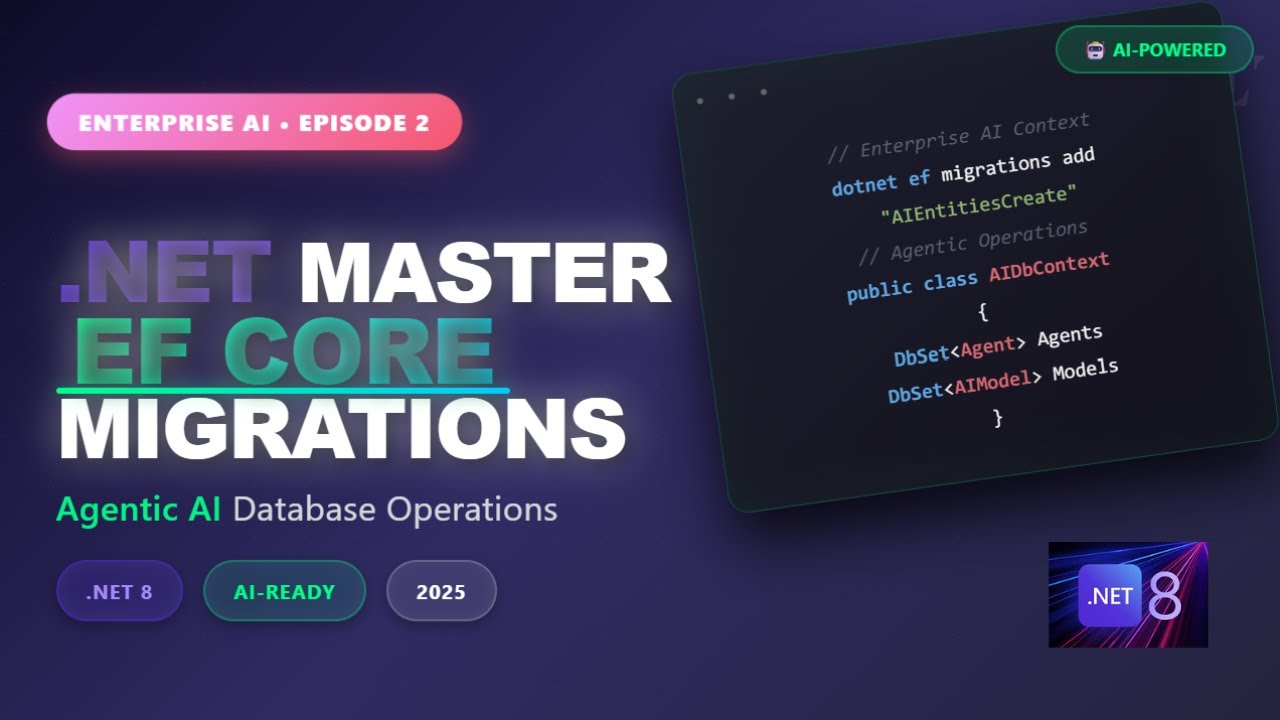
📹 Watch the Video Tutorial
Watch the complete walkthrough in the video above for step-by-step guidance.
🎯 Introduction to Entity Framework Core (EF Core)
Entity Framework Core is a lightweight, extensible, and cross-platform version of the popular Entity Framework. It provides developers with tools to work efficiently with relational databases such as SQL Server, MySQL, PostgreSQL, SQLite, and others. EF Core allows you to define your data models using C# classes and manage database operations seamlessly.
Understanding Migrations in EF Core
Migrations are a crucial feature of EF Core that enable developers to evolve the database schema over time without losing existing data. A migration is a set of changes that can be applied to the database schema, allowing it to stay synchronized with your application’s data model.
Creating Migrations
To create a migration in .NET 8, you need to use the EF Core CLI tools. Here’s how you can do it:
dotnet ef migrations add InitialCreate
This command generates a new migration file in the Migrations folder of your project. The file name will include a timestamp to ensure uniqueness.
Applying Migrations
To apply the generated migration to the database, use the following command:
dotnet ef database update
This command will execute the migration scripts and update your database schema accordingly.
Data Operations with EF Core
EF Core provides a rich set of APIs for performing data operations. These include CRUD (Create, Read, Update, Delete) operations, as well as advanced features like lazy loading, eager loading, and change tracking.
Performing CRUD Operations
Let’s take a look at how to perform basic CRUD operations using EF Core. We’ll start with creating an entity class:
public class Product
{
    public int Id { get; set; }
    public string Name { get; set; }
    public decimal Price { get; set; }
}
Next, we need to define a DbContext class that represents the session with the database:
public class AppDbContext : DbContext
{
    public DbSet Products { get; set; }

protected override void OnConfiguring(DbContextOptionsBuilder optionsBuilder)
    {
        optionsBuilder.UseSqlServer("YourConnectionStringHere");
    }
}
Now, let’s see how to perform CRUD operations:
Create
using (var context = new AppDbContext())
{
    var product = new Product { Name = "Laptop", Price = 999.99m };
    context.Products.Add(product);
    context.SaveChanges();
}
Read
using (var context = new AppDbContext())
{
    var product = context.Products.Find(1); // Find by primary key
    Console.WriteLine(product.Name);
}
Update
using (var context = new AppDbContext())
{
    var product = context.Products.Find(1); // Find by primary key
    if (product != null)
    {
        product.Price = 899.99m;
        context.SaveChanges();
    }
}
Delete
using (var context = new AppDbContext())
{
    var product = context.Products.Find(1); // Find by primary key
    if (product != null)
    {
        context.Products.Remove(product);
        context.SaveChanges();
    }
}
Advanced EF Core Features
EF Core offers several advanced features that can enhance your application’s performance and functionality. These include query optimization, change tracking strategies, and concurrency control.
Query Optimization
EF Core uses a sophisticated query provider to translate LINQ queries into database-specific SQL commands. This allows for efficient data retrieval and manipulation.
using (var context = new AppDbContext())
{
    var expensiveProducts = context.Products
        .Where(p => p.Price > 500)
        .OrderByDescending(p => p.Price)
        .ToList();
}
Change Tracking Strategies
EF Core supports different change tracking strategies, including automatic and explicit tracking. Automatic tracking is the default behavior, where EF Core tracks changes to entities automatically.
context.ChangeTracker.QueryTrackingBehavior = QueryTrackingBehavior.NoTracking;
This setting can improve performance when you only need to read data without making changes.
🎯 Best Practices for Using EF Core
Following best practices can help you maximize the benefits of EF Core and avoid common pitfalls. Here are some key recommendations:
– **Use Dependency Injection**: Inject DbContext instances through constructors to ensure proper lifecycle management.
– **Avoid Multiple Context Instances**: Each DbContext instance should represent a single unit of work. Avoid creating multiple instances within a single operation.
– **Handle Exceptions Properly**: Use try-catch blocks to handle exceptions that may occur during database operations.
– **Optimize Queries**: Use LINQ queries efficiently and avoid N+1 query problems by using eager loading or projection.
🌍 Real-World Scenarios
Let’s explore some real-world scenarios where EF Core can be effectively used:
E-commerce Application
In an e-commerce application, you might have entities like Product, Order, and Customer. Using EF Core, you can manage these relationships and perform operations efficiently.
public class Order
{
    public int Id { get; set; }
    public Customer Customer { get; set; }
    public List Items { get; set; } = new List();
}
Inventory Management System
An inventory management system might require tracking stock levels, handling transactions, and generating reports. EF Core can handle these complex operations seamlessly.
Related: Welcome to TechScriptAid® – Enterprise Software Soluti…
public class StockItem
{
    public int Id { get; set; }
    public Product Product { get; set; }
    public int Quantity { get; set; }
}
🎓 Conclusion
Entity Framework Core is a powerful ORM that simplifies database interactions in .NET applications. By mastering migrations and understanding data operations, developers can build robust and scalable applications. Whether you’re working on e-commerce platforms or inventory management systems, EF Core provides the tools you need to handle complex data scenarios efficiently.
Follow best practices, leverage advanced features, and continuously refine your EF Core usage to unlock the full potential of your applications.
📺 Want more technical tutorials?
Subscribe to TechScriptAid on YouTube for weekly content on enterprise development, .NET, DevOps, and modern architecture patterns!