
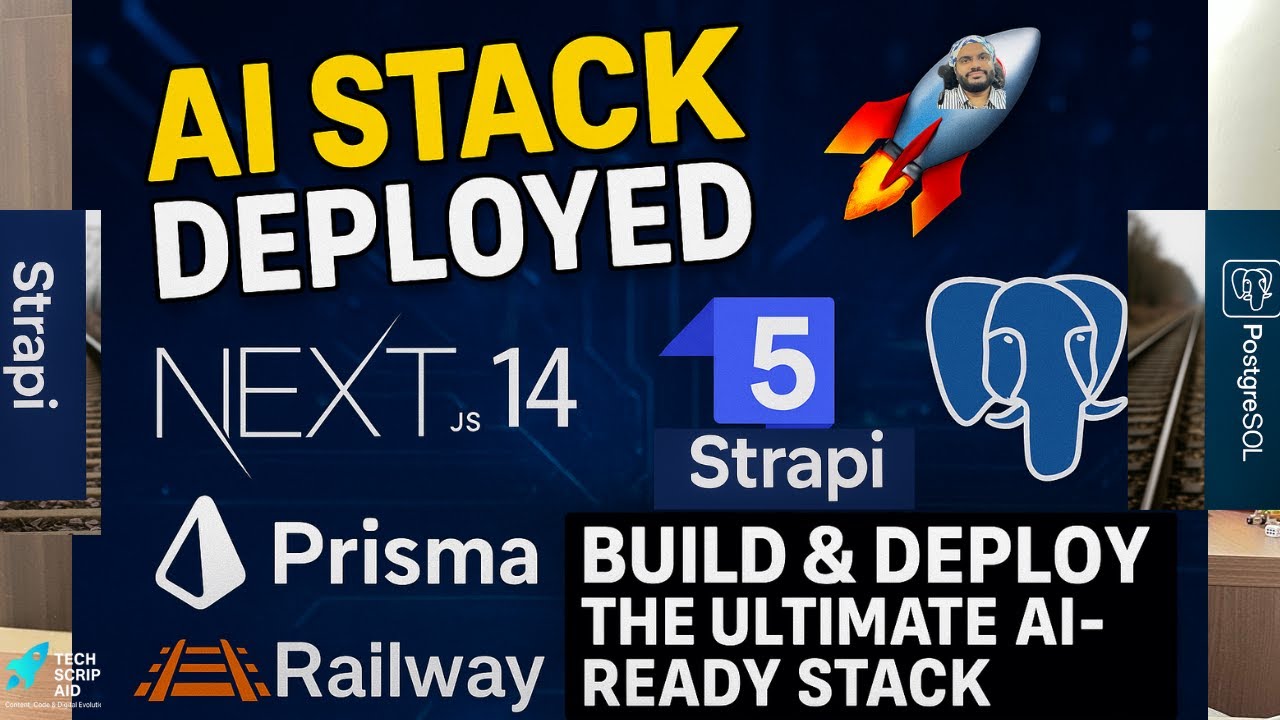
In today’s rapidly evolving tech landscape, building an AI-ready stack is crucial for enterprises aiming to leverage machine learning and artificial intelligence. This blog post will guide you through setting up a robust development environment using Next.js, Strapi 5, Prisma, and PostgreSQL hosted on Railway. We’ll cover the technical accuracy and depth needed to create a scalable backend with a frontend that can easily integrate AI services.
📹 Watch the Video Tutorial
Watch the complete walkthrough in the video above for step-by-step guidance.
🎯 Introduction to the Stack
The stack we’re building includes:
- Next.js: A popular React framework for building server-side rendered and statically generated web applications.
- Strapi 5: A powerful headless CMS that allows you to manage content with ease.
- Prisma: An ORM (Object-Relational Mapping) tool for database access that supports PostgreSQL and other databases.
- PostgreSQL: A reliable, open-source relational database system.
- Railway: A cloud platform for deploying applications with a focus on simplicity and speed.
Setting Up the Backend with Strapi 5
To start building your backend, you need to install Strapi globally:
npm install -g strapi@beta
Create a new Strapi project by running:
strapi new my-project --quickstart
This will set up a basic Strapi project. You can then configure your database connection in config/database.js. For PostgreSQL, it might look like this:
module.exports = ({ env }) => ({
  defaultConnection: 'default',
  connections: {
    default: {
      connector: 'bookshelf',
      settings: {
        client: 'postgres',
        host: env('DATABASE_HOST', 'localhost'),
        port: env.int('DATABASE_PORT', 5432),
        database: env('DATABASE_NAME', 'strapi'),
        username: env('DATABASE_USERNAME', 'strapi'),
        password: env('DATABASE_PASSWORD', ''),
      },
      options: { ssl: env.bool('DATABASE_SSL', false) },
    },
  },
});
Integrating Prisma with Strapi
Prisma can be used to manage database schemas and queries. First, install Prisma CLI:
npm install prisma --save-dev
Initialize a new Prisma project:
npx prisma init --datasource-provider postgresql
This will create a prisma/schema.prisma file. Define your data models in this file, for example:
datasource db {
  provider = "postgresql"
  url      = env("DATABASE_URL")
}

model User {
  id    Int     @id @default(autoincrement())
  email String  @unique
  name  String?
}
Next, generate Prisma client:
npx prisma generate
Setting Up the Frontend with Next.js
Create a new Next.js project using the create-next-app command:
npx create-next-app@latest my-frontend
Navigate to your frontend directory and install necessary dependencies:
cd my-frontend
npm install axios
Now, you can fetch data from Strapi using Axios in your Next.js components. For example, in pages/index.js:
import React, { useEffect, useState } from 'react';
import axios from 'axios';

const Home = () => {
  const [users, setUsers] = useState([]);

useEffect(() => {
    axios.get('http://localhost:1337/api/users')
      .then(response => {
        setUsers(response.data.data);
      })
      .catch(error => console.error(error));
  }, []);

return (
    <div>
      <h1>Users</h1>
      <ul>
        {users.map(user => (
          <li key={user.id}>{user.attributes.name} ({user.attributes.email})</li>
        ))}
      </ul>
    </div>
  );
};

export default Home;
Deploying to Railway
To deploy your application on Railway, you’ll need to set up a railway account and create a new project. Follow these steps:
- Create a new project in the Railway dashboard.Add a PostgreSQL service.Set environment variables for database connection.Deploy your Strapi backend to Railway by pushing it to a Git repository linked to your railway project.Repeat the process for the Next.js frontend, ensuring it’s configured to communicate with the deployed Strapi backend.
Integrating AI Services
To make your stack AI-ready, you can integrate various AI services. For example, using OpenAI’s GPT-3 API:
JAVASCRIPT
const axios = require('axios');async function generateText(prompt) { const response = await axios.post( 'https://api.openai.com/v1/engines/davinci-codex/completions', { prompt: prompt, max_tokens: 50, }, { headers: { 'Authorization': `Bearer ${process.env.OPENAI_API_KEY}`, 'Content-Type': 'application/json' } } );
Related: Welcome to TechScriptAid® – Enterprise Software Soluti...
return response.data.choices[0].text.trim(); }
This function can be used in your backend or frontend to generate text based on user input.
🎯 Best Practices and Common Pitfalls
- Security: Always validate and sanitize inputs to prevent SQL injection and other vulnerabilities.
- Scalability: Use environment variables for configuration settings to easily switch between development, staging, and production environments.
- Error Handling: Implement robust error handling in your API endpoints to provide meaningful feedback to clients.
🎓 Conclusion
In this comprehensive guide, we’ve set up an AI-ready stack using Next.js, Strapi 5, Prisma, PostgreSQL, and Railway. This setup provides a solid foundation for building scalable web applications with easy integration of AI services. By following the best practices outlined in this post, you can ensure your application is secure, maintainable, and ready to handle modern challenges.
📺 Want more technical tutorials?
Subscribe to TechScriptAid on YouTube for weekly content on enterprise development, .NET, DevOps, and modern architecture patterns!